

- Home
- Campus
- General & Tech
- Contacting Support from your course
Contacting Support from your course
You can contact the Support team directly from the course you’re playing. Here are some examples of how to do this from some different courses:
Pacific
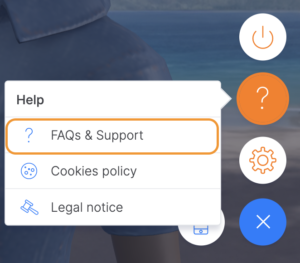
To contact us while playing Pacific, follow these steps:
- Log into the course.
- Click on the help symbol ([?]) found on the left side of your screen.
- Click on "FAQs and Support" to access the help portal where you can read our frequently asked questions or submit your query.
Triskelion
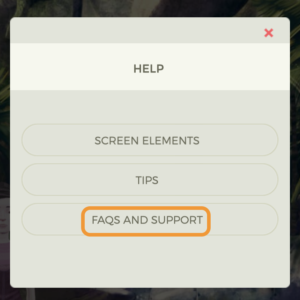
To contact us from Triskelion, follow these steps:
- Log into the course.
- Click on the menu (the three lines) found at the top left of your screen.
- Click on the "Help" option, through which you can review the course tutorials, access our FAQs or contact the Support team directly.
Merchants
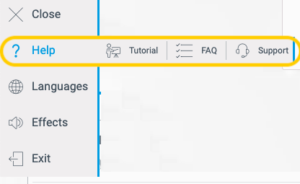
To contact us while playing Merchants, follow these steps:
- Log into the course.
- Click on the help symbol ([?]) found on the left side of your screen.
- Click on "Frequently Asked Questions" to see how common issues have been resolved or "Support" to contact us directly.
2100
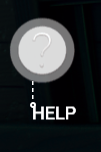
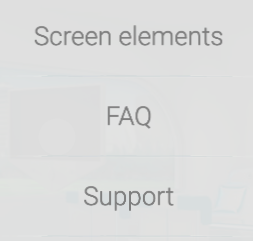
To contact us while playing 2100, follow these steps:
- Log into the course.
- Click on the help symbol ([?]) found on the left side of your screen.
- Click on "Frequently Asked Questions" to see how common issues have been resolved or "Support" to contact us directly.

Other courses
To contact us while playing any other course, follow these steps:
- Log into the course.
- Click on the menu (the three lines) found at the bottom right of your screen.
- Click on the help symbol ([?]) and "FAQs & Support". From there, you can access the help articles and the contact form.