

[Pacific] - Menu: Screen items
Within the Pacific game, you can find out what each button in the menu does. To do so, follow these steps:
- Click on the “Help” symbol [?] on the left side of your screen.
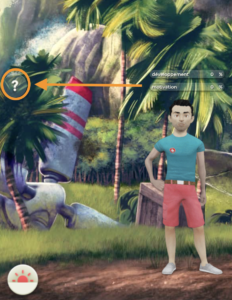
- Click on “Screen Elements”.
In this section, you’ll find the following information: energy, leadership, days spent in the game, synergy, progress, main menu, how to end the day, access to the model, the project, your skills, the ranking and schedule a meeting, team card, and map of the island