


[Pacific] - Task tree
The task tree allows you to have an overview of the construction of the balloon and identify what specific task a character is performing.
To access, follow these steps:
- Click on the "+" symbol in the lower right menu.

- Click on the balloon.
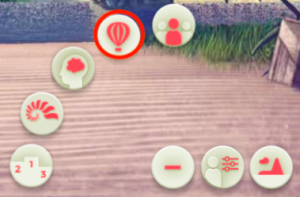
- Open the task tree by clicking on the button on the right.
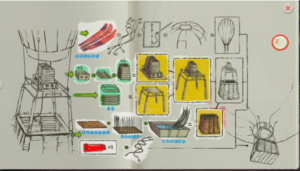
- Select a task that’s in progress to see the avatar of the character that’s working on that task.