


[Pacific] - Viewing the leaderboard
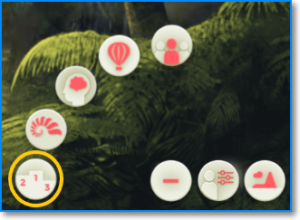
To see the leaderboard of your Pacific game, follow these steps:
- Click on the "+" button at the bottom right of your screen.
- Click on the podium button.
|
Note: if the button does not work and you cannot display the leaderboard, it means that your group does not have it enabled. This decision is entirely up to your training managers. |
Related articles
[Pacific] - Leaderboard order criteria [Pacific] - How scoring works