


To get the most out of this learning experience, it is essential to understand the function of each on-screen button. Here is an overview of the main buttons in Triskelion:
E-mail: indicates how many unread e-mails you have in your inbox. By clicking on it, you will access your messages.
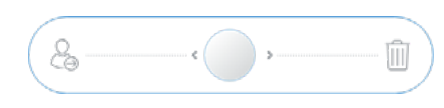
Decision bar: decide what to do with the received e-mails.
Rest: take a relaxing activity to recharge your energy and reduce your stress. The breaks will consume half an hour of your time.

Performing tasks: performing tasks will move you forward in the day and contribute points to your goals.
Contexts: context tabs allow you to filter your tasks so that you only spend time on those that can be done according to the situation you are in.

Main menu: from here you can get help, change the language and set your preferences. This button is located at the top left of your screen.

Cell phone (available from the second turn):
Ranking: displays your score and the scores of others in your class.
Order of Wisdom website: accesses the knowledge of the Order.
Achievements: get these achievements to score points at the end of the day.
Video Lessons: access lessons from your mentors in the Order.