


To unlock actions and be able to interact with your team, follow these steps:
- Click on the “+” button in the lower right menu.
- Click on the “Mind” button.
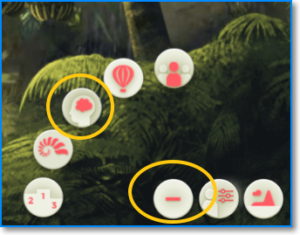
- Access the lessons and click on each of them to read them. At the end of each tab, you’ll see the action that has been unlocked.
- When the estimated reading time has elapsed, press “Continue.”
- Rate the lesson.
- Answer the test correctly. If you do not pass the test, you will have to reread the lesson. Be sure to answer all the questions.
Important: there are actions that require reading more than one lesson to be unlocked. In these cases, two lessons will appear in the “required” section of each skill card.
For example, unlocking the “Reward” action requires reading and passing the corresponding tests— of the lessons “Motivate your team” and “Recognize and reward.”