Synergy: what is it and how do I increase it? #
The word “synergy” comes from the Greek word synergos, which means “to work together” or “to collaborate”. Synergy is understood as a special energy that occurs in some high-performance teams, in which the coordinated action of several parties achieves a more valuable effect than when each person acts separately.
In Pacific, colloquially, this concept is referred to as “two plus two is more than four.” As a leader, you must foster conditions that favor synergy within your team.
To increase your team’s synergy in the game, be sure to incorporate both of the following into your strategy:
- Group actions. To do so, follow these steps:
- Click on the “+” button at the bottom right of your screen.
- Click on the call meeting button.
- Performs group actions:
- Define objectives.
- Define standards.
- Strengthen the team through team building activities.
- Resolve conflicts as soon as possible when they arise.
- Develops processes.
- Individual actions. To do so, follow these steps:
-
- Click on each of the characters.
- Click on “Develop.”
But be careful! Failure to do this properly can weaken your team’s synergy.
Remember: to enable each of these options, you must unlock the actions by reading the lessons through the “mind” button and answering the tests correctly.
Leadership points: what are they and how to increase them? #
Leadership points accrue through the actions and decisions you make in the course.
You can earn leadership points in several ways:
- Performing group actions through the “meeting mode”:
- Defining objectives.
- Defining standards.
- Team-building exercises.
- Resolving conflicts.
- Developing processes.
- Delegating appropriate tasks to each of the characters.
- Correctly answering questions from the lessons.
- Interacting with each of your team members individually as follows:
- Giving them feedback.
- Developing their skills.
- Rewarding them.
- Asking them questions.
But be careful! Failure to do this properly can lower your score.
Scoring bubbles #
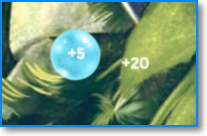
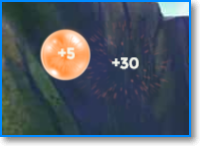
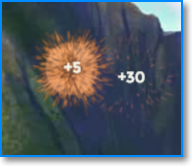
After performing an action with a character, colored bubbles will appear on the screen and burst. The colors correspond to the category you increased your score in:
- Synergy: blue
- Motivation: orange
- Development: green
- Score: pink