


You can tag your favorite courses on the Campus and group them into your “Favorites” section for quicker access. There are two ways to do this.
The first:
- Log onto the Campus.
- Find the course you want to favorite.
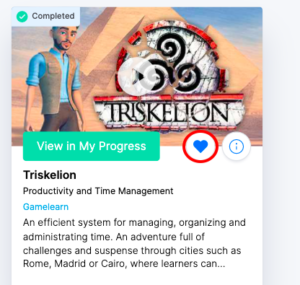
- Click on the blue heart you see on the course card to add it to your “Favorites.”
The second:
- Log onto the Campus.
- Find the course you want to bookmark.
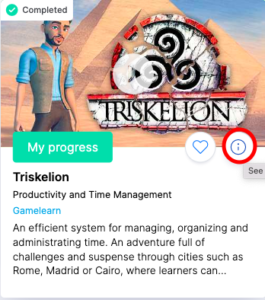
- Open the course information by clicking on the little “i” on the game card.
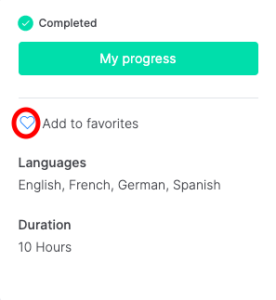
- To add the course to your “Favorites,” click on the blue heart you see on the right side of the screen by the other course information.
|
|