


Downloading documents #
From the Campus, you can consult and download any documentation that corresponds to the course you completed.
To access the downloadable materials for your course, follow these steps:
- Access to Campus.
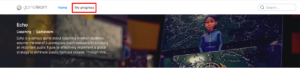
- Click on “My progress”, located at the top left of the home page.
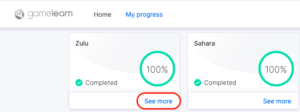
- Click on “See more” in the corresponding game tab.
- Select the materials you want to download and click on the “Download” button.
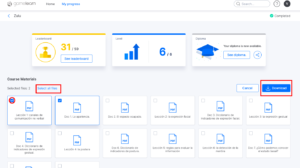
All materials -— including the beginners guide, lessons, and any extra documents— will be available in the language in which the course was taken.
|
|
| Note: the courses offer accessible documentation for reference. However, not all the information available within the game can be downloaded after completion (e.g., the notes); the material related to the didactic content is always available for download. |
Download diploma #
Prerequisites
Completing a course and having the diploma available.
Through the Campus, you will have at your disposal the diploma of your course once you complete it.
To download it, follow these steps:
- Log onto the Campus.
- Click on “My progress”, located at the top left of the home page.
- Click on “See more” in the corresponding game tab.
- Click on the “See diploma” button.
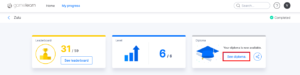
- Select the “Download” option.
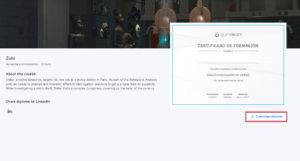
The diploma will be available in the language in which you have taken the course.
If the diploma is not available, we recommend that you contact your company’s training managers directly so that they can provide it to you.
|
|
|
|