


Holding meetings with your team will allow you to carry out group actions, which, in turn, will help you maintain your team’s motivation and synergy levels.
To open the “meeting mode”, follow these steps:
- Click on the “+” button in the lower right menu.
- Click on the “Hold a meeting” button (the icon representing a group).
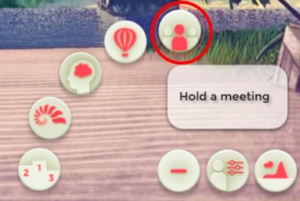
You can also access this button from the menu that pops up when you click on a character.
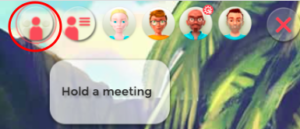
- Complete the group actions you want depending on the energy you have left or the notifications you receive:
-
- Set objectives
- Set rules
- Team building
- Resolve conflicts
- Develop processes
|
|