To get the most out of this learning experience, it is essential to understand the function of each on-screen button. Here you have an overview of the main buttons in 2100:
-
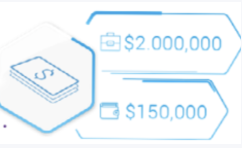
Money: there are two indicators, “company money”, which you can use for investing, and “personal money,” which you can spend on expanding your home and buying items in the shop.
-
Menu: use this button to open the main menu and access the “Settings”, “Sharing” and “Logout” options. From “Settings”, you can change the language, manage notifications, or turn off the sound.

-
Help [?]: there is an access on the left for help in general, FAQs, and contacting your trainer and support team.

-
Map: from here you can enter the following scenarios: Office, Home and Shop.

-
Cell-Phone: to consult the missions you have to complete in each turn and enter the lessons, ranking, and social networks of 2100. Use the cell phone to move on to the next turn.