


Tutorial #
When you start the Pacific game, you will begin in tutorial mode. During this phase, you should follow the on-screen instructions by clicking on the buttons and options indicated with a red arrow.
As you progress, you will also need to select the marked options to correctly complete the test. These instructions will be highlighted with the same red arrow.
The tutorial will also ask you to delegate certain tasks to the character indicated at each moment.
From day 2 (virtual time) onwards, you will be able to start making your own decisions and perform the different game actions independently.
Game #
If you don’t know how to advance in Pacific and need to know what the next step to take is, check out the following:
- Check that you have enough energy to be able to do anything else. To recharge your energy, you must go to the “next day” by clicking on the sun-shaped lower left-side part of your screen.
- Are all members in your team working on the construction of the balloon? To check, click on the “Open the team interface” button on the lower right-side part of your screen. If you have enough energy left and any of the characters are not busy, you can take advantage of that and delegate a task.
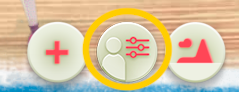
- Check if you have any readings left on the “mind” button. To do so, click on the “+” symbol to display the other buttons. The “Mind” button is the one with the brain icon.
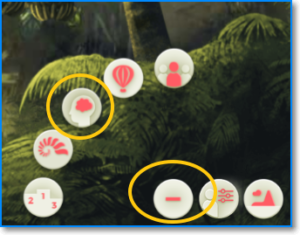
- Click on every character to check if you have any action pending to perform with them. Remember that with each character you can*:
- Delegate
- Give feedback
- Develop
- Reward
- Ask
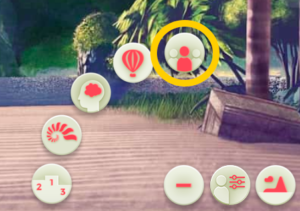
- Check if you have pending group actions. To do so, click on the “call meeting” button that you will find by clicking on the “+” button. Remember that, as a group, you can:
- Define objectives
- Define rules
- Run Teambuilding activities
- Resolve conflicts
- Develop processes
|
|