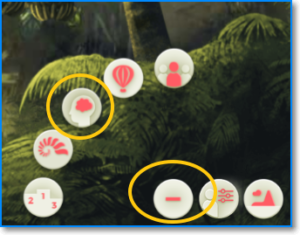
The “Mind” button allows you to access the lessons of the course to unlock all the actions of the group and keep your team motivated. To open it, follow these steps:
- Click on the “+” button to display the rest of the buttons, located in the menu at the bottom right of your screen.
- Click on the “Mind” button, which is the one with the brain icon.